
Deep-dives into what’s new and what’s changed in Sque.
Per-feature posts from the team building Sque — how each piece works, when to reach for it, and the trade-offs behind the design.
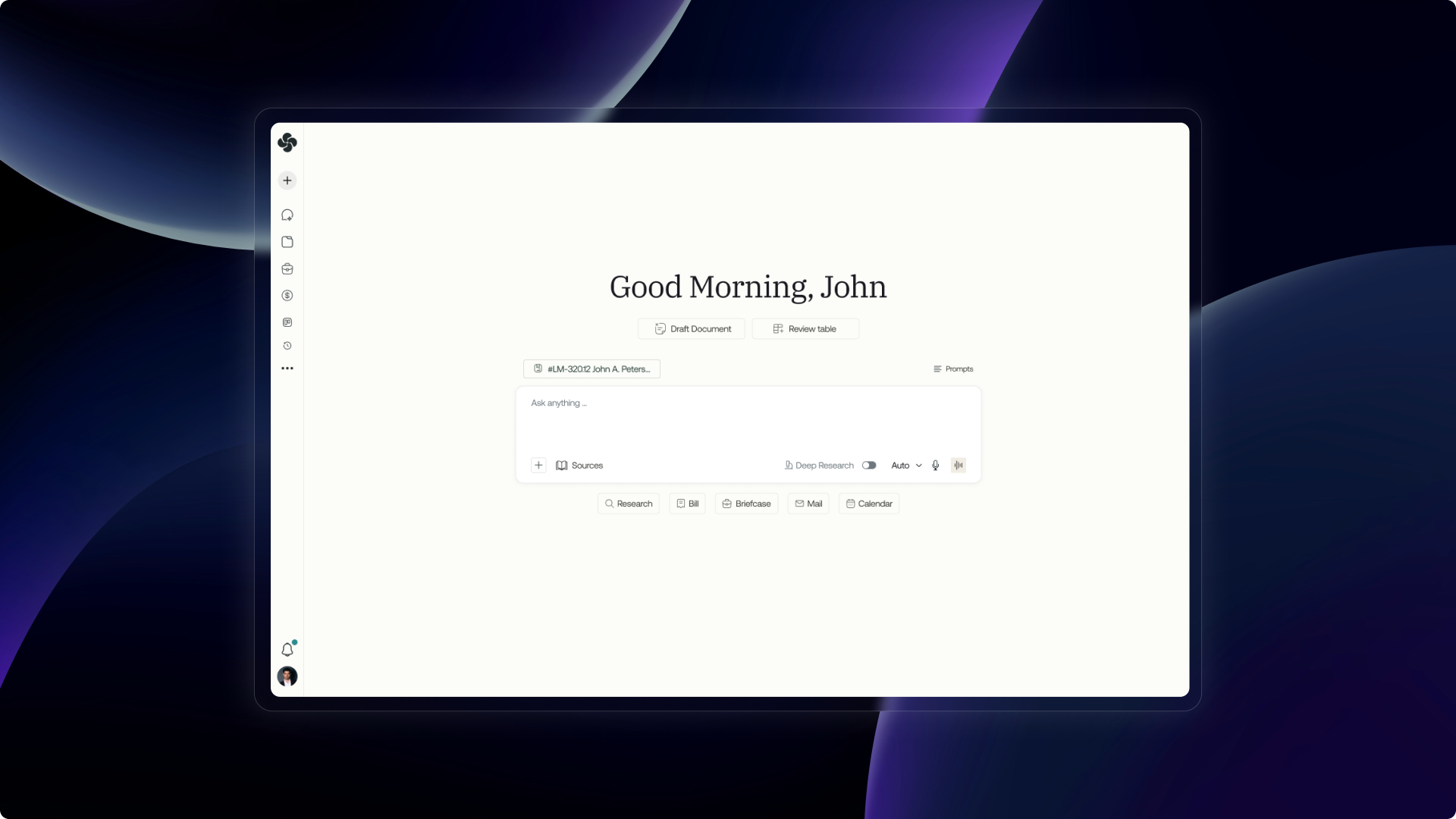
Ask Sque: Your AI legal assistant in one place
Multi-turn AI chat with full matter context, file attachments, and firm-aware settings — the primary workspace for every lawyer in Sque.
Sque Zoom Integration: User Guide
Step-by-step guide to adding, using, and removing the Sque Zoom integration — including Ask Sque Agent meeting recordings, client booking links, and calendar conferencing.
Onboarding: From invite to first matter in minutes
Two-step onboarding — accept an invite or create your firm, then complete your profile and connect your first tools — guided by Sque with suggested first actions.
All posts
14 postsStep-by-step guide to adding, using, and removing the Sque Zoom integration — including Ask Sque Agent meeting recordings, client booking links, and calendar conferencing.
Multi-turn AI chat with full matter context, file attachments, and firm-aware settings — the primary workspace for every lawyer in Sque.
Two-step onboarding — accept an invite or create your firm, then complete your profile and connect your first tools — guided by Sque with suggested first actions.
Build interactive or background workflows that run on a schedule, on a trigger, or on demand — without leaving Sque.
Connect external tools via MCP in minutes. Once authorised, connectors are available in Ask Sque chat and every workflow step without re-authenticating.
Multi-turn AI chat with full matter context, file attachments, and firm-aware settings — the primary workspace for every lawyer in Sque.
Secure storage for matter files, datasets, and folders — shared with the right people, searchable, and linked directly into Ask Sque and Workflows.
Upload outside counsel guidelines by firm, client, or matter. Sque applies the rules to every billing entry automatically — flagging violations before they reach the client.
Spreadsheet-style tables that let you review, compare, and flag clauses across many documents — with Ask Sque filling columns automatically.
Capture, review, and finalise billable time across your firm — with AI-generated narratives, compliance rule checks, and one-click export to QuickBooks or Clio.
Build itemised invoices from billing entries, send them with a payment link, and track status — all in the Invoices module.
Firm-wide analytics across six dimensions: AI usage, billing performance, productivity, compliance adherence, matter pipeline, and Sque activity capture.
Manage clients, opposing counsel, and key contacts with linked matters, invoices, briefcase files, and CRM records all on a single detail page.
Track business development, matter lifecycle, firm activity, and lead pipeline — with dashboards that update in real time from the data you're already entering in Sque.